
UPI on Credit Cards: A Quick Guide to Activation and Usage
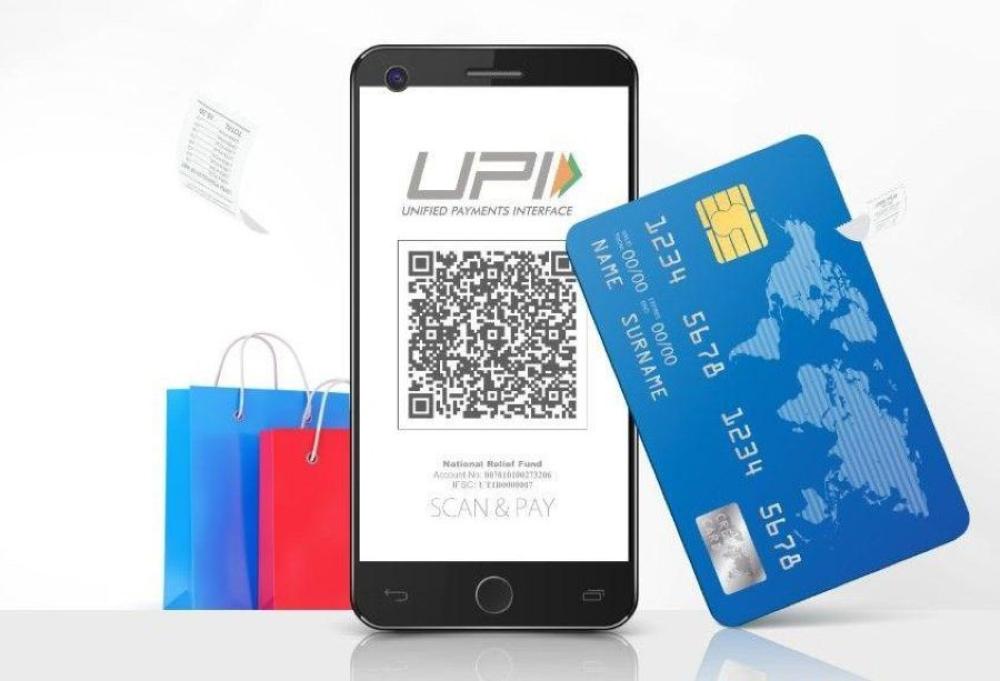
Payments are changing fast, and one big shift is the introduction of UPI (Unified Payments Interface) on credit cards. UPI, which was first linked to bank accounts and debit cards, can now be used with credit cards. This means you can pay directly from your credit card using your smartphone. This guide will explain how to activate and use UPI on your credit card.
What Is UPI on Credit Cards?
UPI on credit cards is a feature that connects your credit card to the UPI payment system. It allows you to make payments using UPI-enabled apps, such as Google Pay, PhonePe, Paytm, and others, directly from your credit card. Here's how it works:
- UPI lets you pay instantly from your bank account, and now you can do the same with your credit card.
- The payment is processed using the credit card limit instead of your bank account balance.
- UPI on credit cards offers a fast, easy, and secure way to make payments.
How is it Different from Regular UPI?
Normally, UPI payments are debited directly from your bank account. But with UPI Credit Cards:
- Money is charged to your credit card.
- You are provided with a grace period ranging from 15 to 50 days to make your repayment.
- You can earn credit card reward points on everyday UPI spending (depending on the card issuer).
- You should exercise caution, as all expenses are being made using borrowed funds.
Where Can You Use UPI Credit Cards?
UPI credit cards are presently accepted primarily for transactions at merchant QR codes, available both in offline stores and on online platforms. However, you cannot use them to send money to friends or transfer funds to personal bank accounts. These cards are allowed at places like grocery stores, restaurants, e-commerce apps, and petrol pumps. On the other hand, they are generally not allowed for peer-to-peer (P2P) transfers, wallet top-ups in many cases, and bill payments—though some apps might support limited bill payment options.
Why Activate UPI on Your Credit Card?
UPI payments have become very popular due to their convenience. In the last year, UPI payment value increased by 37%, while debit card payments decreased. This trend shows that UPI is quickly becoming the preferred way to pay, especially for digital transactions. Integrating UPI with credit cards further enhances ease and convenience for users. Here are the benefits:
- Credit card usage is common, and UPI makes payments even easier.
- UPI's speed and ease have caused a huge shift in how people pay, with many moving away from debit card payments.
Banks Supporting UPI on Credit Cards
The Reserve Bank of India (RBI) approved UPI payments through credit cards in 2022. Since then, many banks have started supporting this feature. Here are some banks offering UPI on credit cards:
You can integrate your RuPay credit card with UPI-supported applications such as:
How to Activate UPI on Your Credit Card?
Activating UPI on your credit card is simple. Just follow these easy steps:
- Install the BHIM application from the Google Play Store or the Apple App Store.
- Complete the registration process and choose the credit card option.
- Select your bank and update your mobile number linked to your bank.
- Link your credit card by choosing it from the list.
- Create a UPI PIN for your credit card. This PIN will serve as an authentication code to authorize transactions.
Once you’ve activated it, you’re ready to start making payments!
How to Use UPI on Your Credit Card?
Using UPI on your credit card is simple and works just like using UPI with a debit card. You can:
- Shop online
- Make payments at physical stores
- Send money to friends or family
- Pay bills and mobile recharges
- Pay subscriptions
With UPI on your credit card, you can make payments instantly without worrying about carrying cash or using multiple cards.
Key Considerations When Using UPI on Credit Cards
Before you start using UPI on your credit card, here are a few things to consider:
- Fees: Some banks may charge a small fee for UPI payments made with credit cards. Always check with your bank.
- Credit Limit: The transaction amount is deducted from your credit card limit. Regularly monitor your expenditures to stay in control of your budget and prevent avoidable expenses.
- Security: Ensure your UPI PIN is strong and activate two-factor authentication to enhance the security of your transactions. Report any unauthorized transactions immediately.
- Interest Charges: Since transactions are instantly processed, remember to check your billing cycle and pay your credit card bill on time to avoid interest charges.
Troubleshooting UPI on Credit Cards
If you face any issues while activating or using UPI on your credit card, here are some troubleshooting tips. Ensure that your credit card is eligible for UPI linkage and that your UPI app is updated to the latest version. Additionally, confirm that your bank supports UPI on credit cards—some banks may still be in the process of rolling out this feature. Double-check your credit card details and UPI ID to avoid transaction failures.
Final Thoughts
UPI on credit cards makes paying for things even easier and faster. By combining the convenience of UPI with the flexibility of credit cards, it gives users a secure and hassle-free way to pay using their smartphones. Whether you’re shopping, transferring money, or paying bills, UPI on credit cards is a great option.
To start enjoying the benefits of UPI on your credit card, simply follow the steps to activate and use this feature. With more banks offering UPI on credit cards and UPI becoming the go-to payment method, this feature is set to become a standard way to make digital payments.



Comments
Thanks for giving such…
Thanks for giving such informative information
Leave a Reply